🧩
⭐ AI Learning Companion for Kids

AI for kids that feels magical

LeoLearn is the safe AI app where kids aged 3–12 talk with Leo, create amazing art, and learn through play — while parents stay in full control.

  • 🎙 Voice-first
  • 🛡 Safe by design
  • Made for ages 3–12
Playful for kids. Reassuring for parents.Thoughtful learning with clear family controls.
Leo — LeoLearn's friendly green AI robot mascot waving hello
Why families choose Leo

One safe AI buddy. Endless curiosity.

Everything a kids AI app should be — playful on the outside, protected on the inside.

Curious

Kids ask big questions out loud and get smart, friendly answers from Leo — an AI chatbot made for kids, not adults.

Leo the AI robot thinking about a child's question

Creative

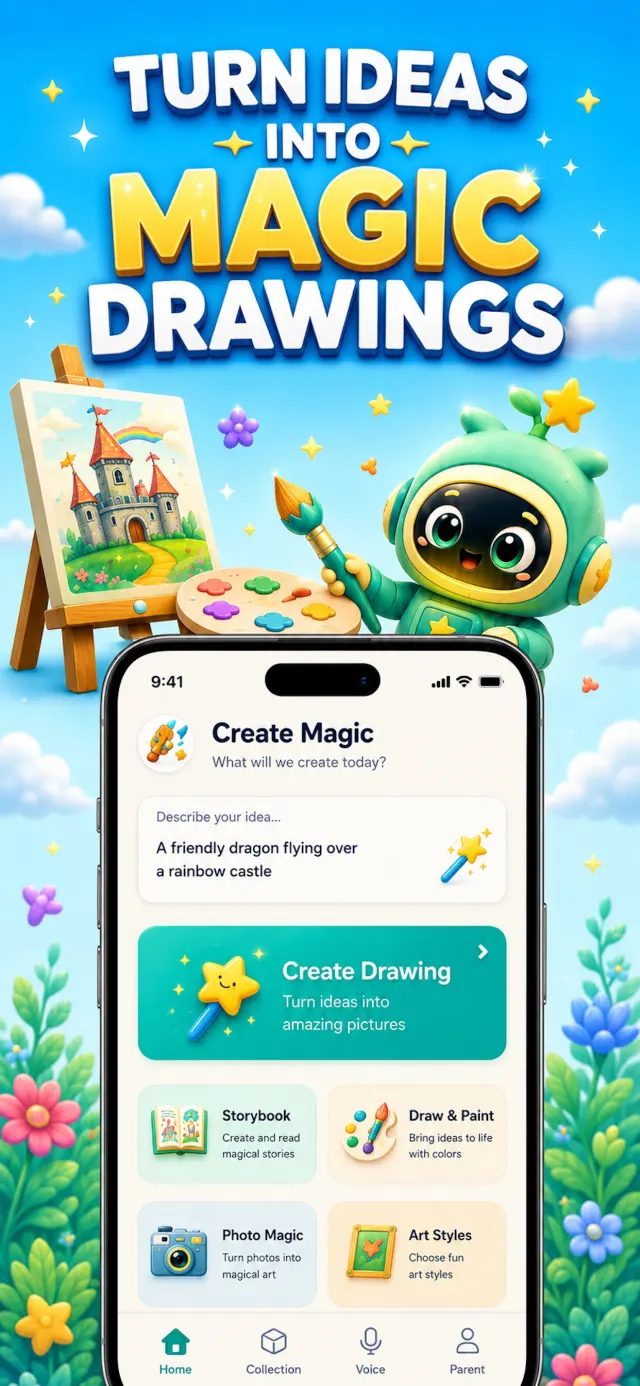
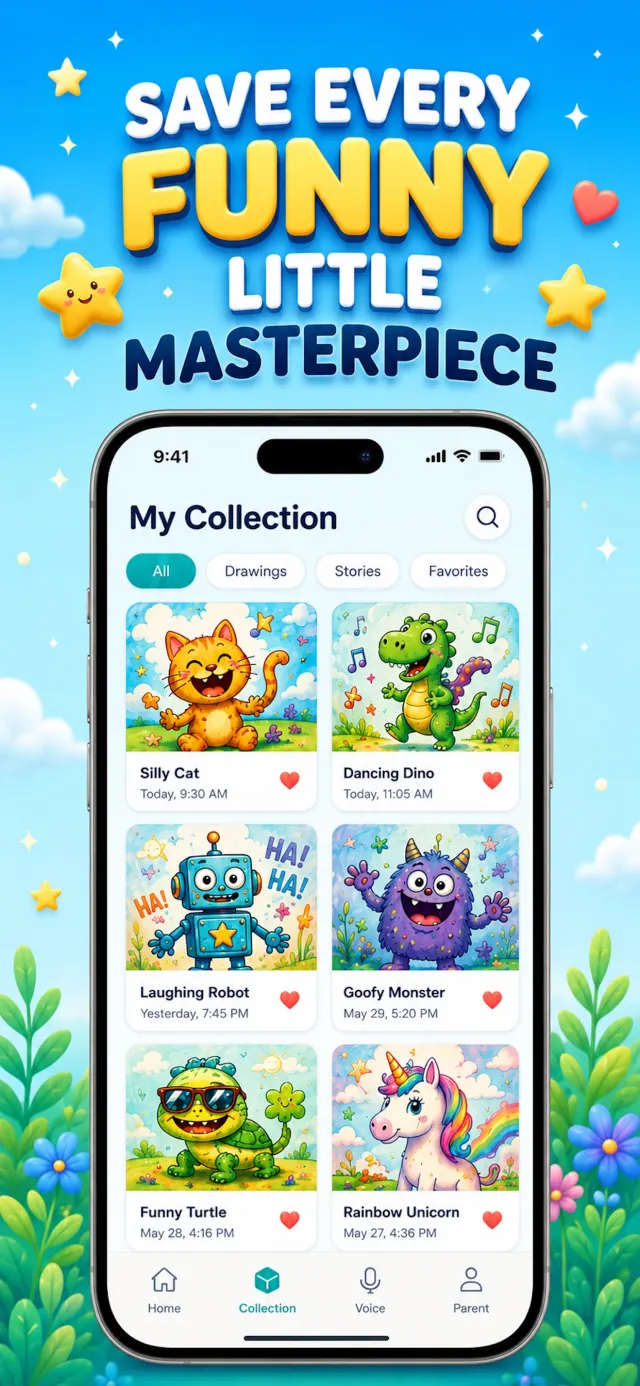
Turn imagination into art, stories and magical creations with a kid-safe AI art generator in six playful styles.
Leo the AI robot drawing and writing in a notebook

Confident

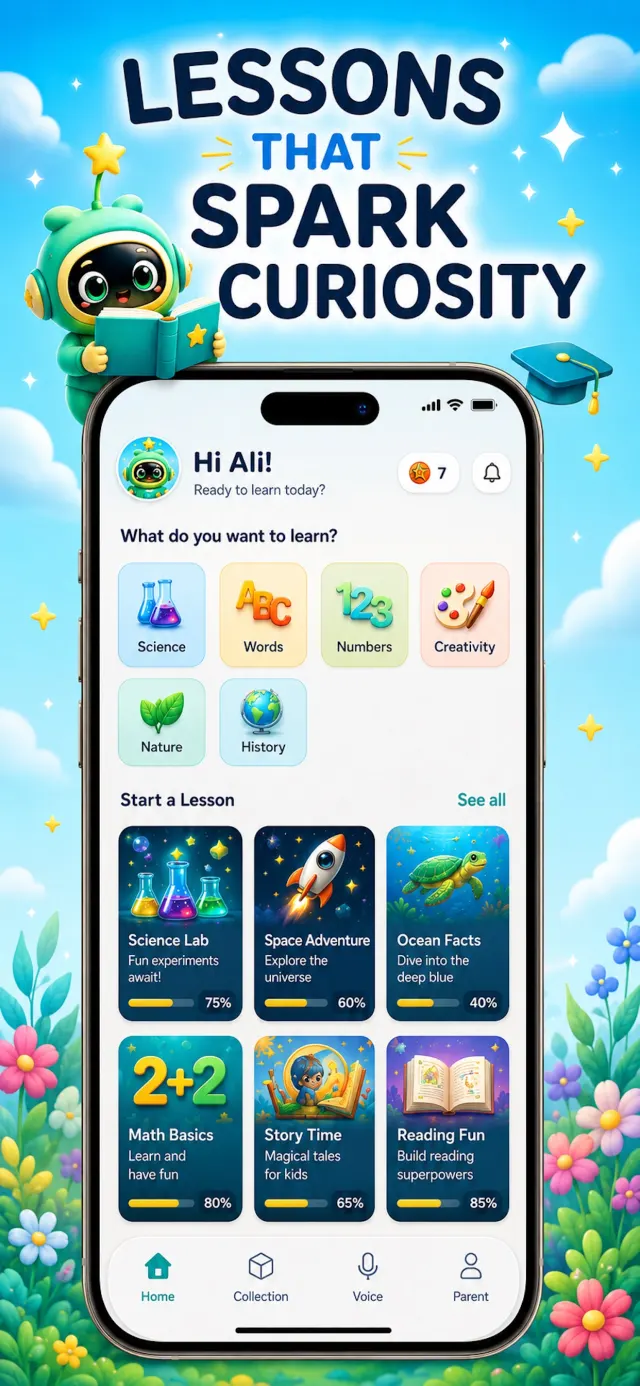
Interactive lessons for ages 3–12 let kids learn at their own pace — and Leo celebrates every little win with stars.
Leo the AI robot celebrating a child's learning win
A tiny world of possibilities

✨ See LeoLearn in action

Explore the real App Store screens — from safe AI chat and creative tools to lessons and the Parent Zone.
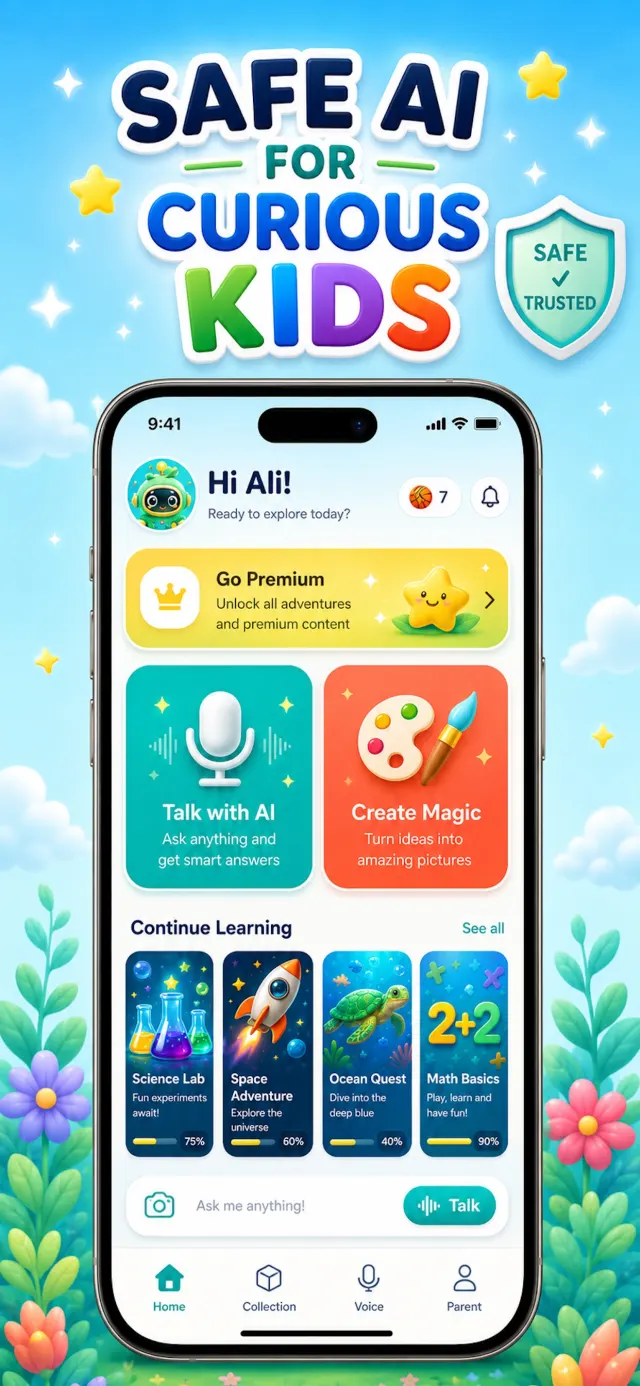
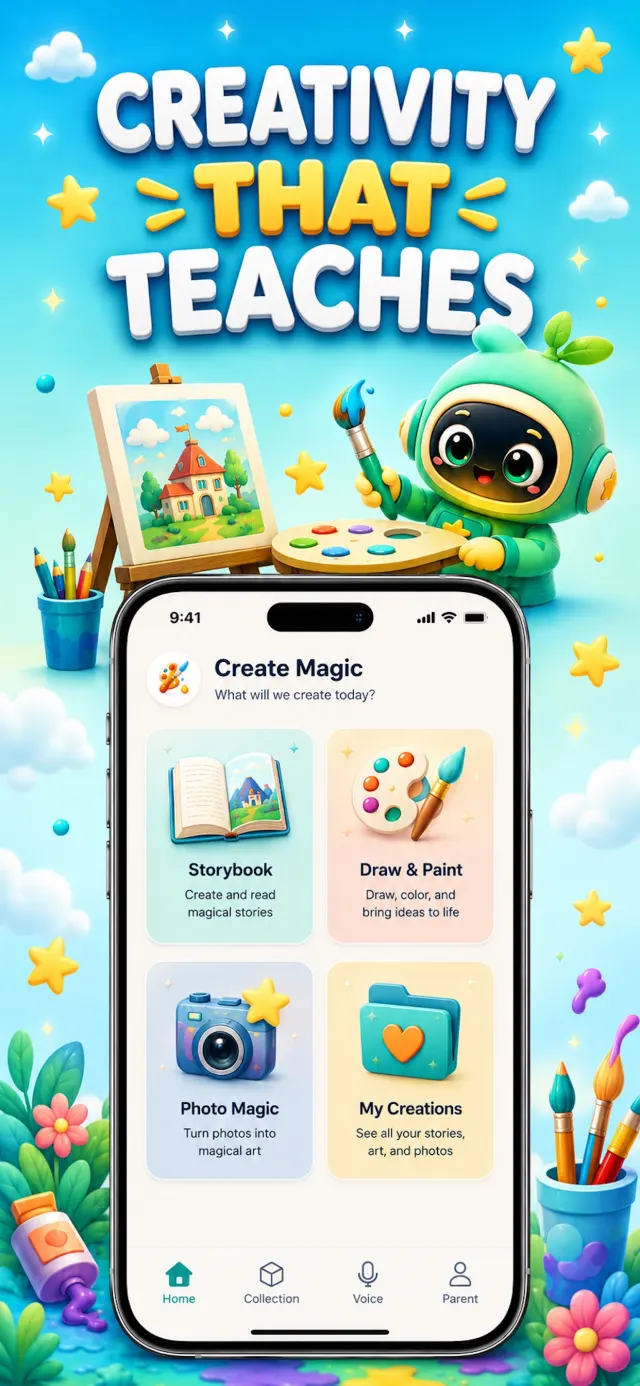
Simple from the first tap

✦ How it works ✦

Three simple steps from "why is the sky blue?" to real learning.
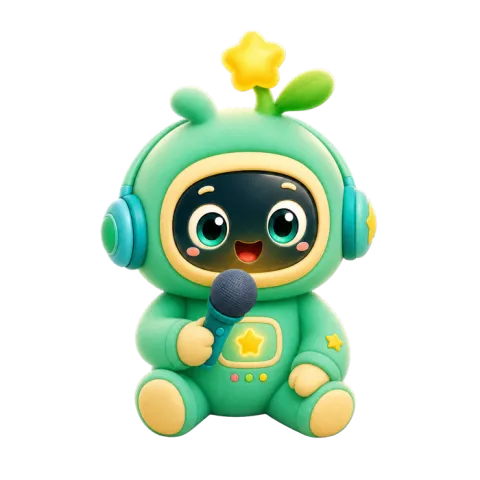
Step 1 — Leo listens to a child's question with headphones and a microphone 1

Ask

Kids talk or type anything they're curious about. Leo answers by voice, at exactly their level.

Step 2 — Leo turns ideas into stories and art with a book and paintbrush 2

Create

Leo turns ideas and drawings into art, stories and songs — every creation saved to their Collection.
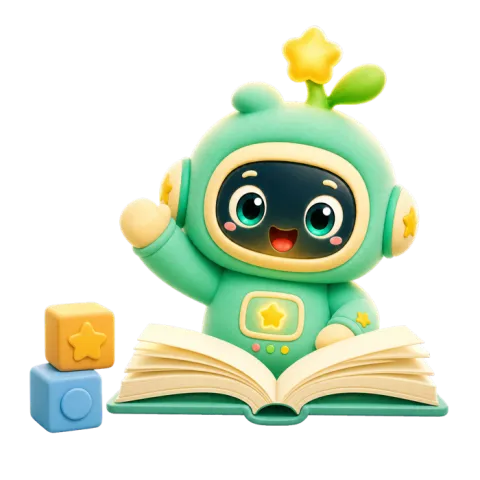
Step 3 — Leo celebrates learning behind an open book 3

Learn

Bite-size lessons in math, science, space, oceans and reading make learning fun and rewarding.

The grown-up view

Built for kids,
trusted by parents 🛡️

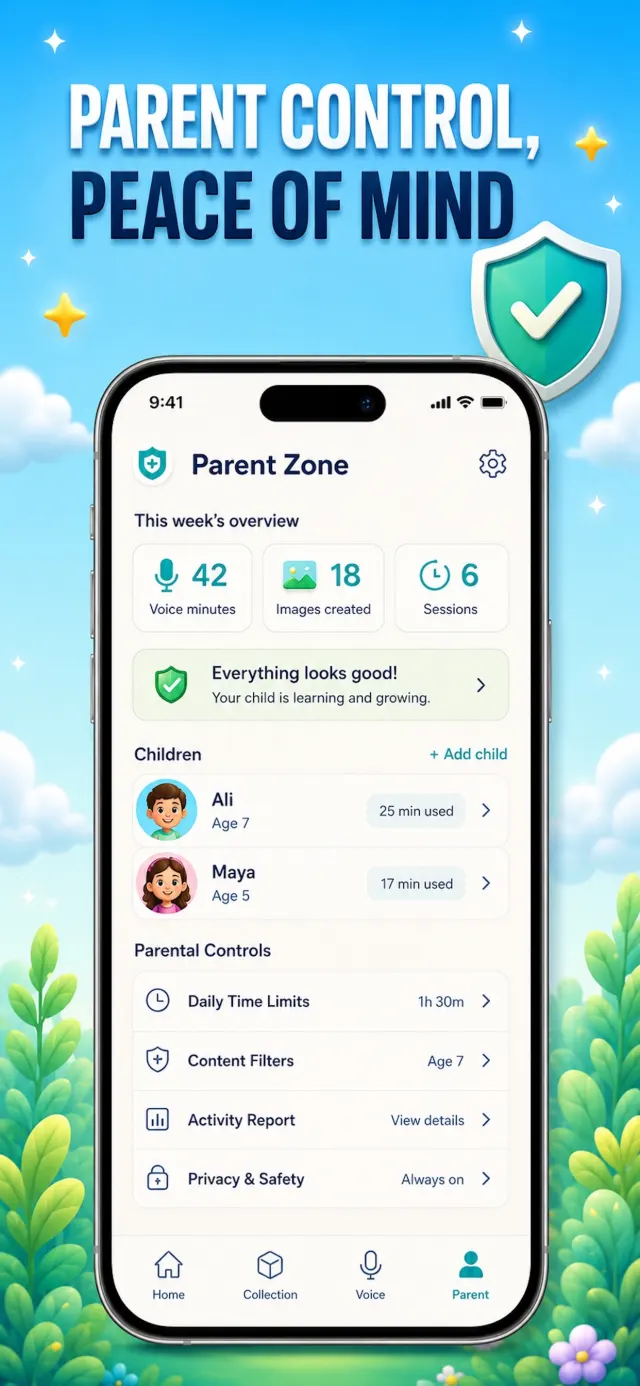
LeoLearn is designed with safety, privacy and positivity at the core. Every message is filtered on-device and moderated in the cloud — and you can read every word.

  • Safety controls & content filters on every chat and image
  • Weekly voice-minute and image limits you control
  • Parent Zone with per-child activity summary
  • Full chat review — read every conversation, anytime

See how parental controls work →

Clear answers, no tech-speak

Frequently asked questions

Everything parents ask before downloading an AI app for their kids.

What is the best AI app for kids?
The best AI app for kids is one built for children from the ground up — not an adult tool with a filter bolted on. Look for age-appropriate answers, moderation on every message and image, and real parental controls. LeoLearn combines safe voice chat, kid-safe AI art and interactive lessons for ages 3–12, with a Parent Zone where you review everything. Learn more →
Is ChatGPT safe for kids?
ChatGPT requires users to be 13+ and isn't designed for children — answers are written for adults and there are no built-in parental controls. A kids-first app like LeoLearn filters every message, tailors answers to your child's age, and lets you read every chat. Learn more →
Is there a safe AI chatbot made for children?
Yes — LeoLearn's chat is built only for kids. Unsafe input is blocked on-device before it's ever sent, cloud moderation checks every exchange, and Leo gives a gentle, safe refusal to anything off-limits. Learn more →
Can AI help my child with homework?
Yes. Kids tap "Help with homework" and talk it through with Leo, who explains patiently at their level and guides them to the answer instead of just giving it — like a tutor with unlimited patience. Learn more →
Is there a kid-safe AI art generator?
LeoLearn's Create Magic turns your child's description or drawing into art in six styles — cartoon, crayon, cute, magical, realistic and storybook. Prompts and images are filtered for kids, and you control the weekly image allowance. Learn more →
Can my child talk to the AI by voice?
Yes — voice is LeoLearn's superpower. Your child speaks, Leo listens and answers out loud in real time. Perfect for pre-readers, and every conversation counts against a weekly voice-minute pool you control. Learn more →
What age is LeoLearn for?
Ages 3–12. Lessons are age-banded — Colors and Shapes for 3–5, Ocean Quest for 5–8, Space Adventure for 6–12, Science Lab for 7–12 — and Leo's answers automatically adapt to each child's age profile. Learn more →
Can I see what my child asks the AI?
Every word. The Parent Zone (behind a parents-only gate) shows full chat transcripts, per-child screen time, lesson progress and creations — plus controls for voice minutes, images, lessons and games. Learn more →
Is LeoLearn free?
LeoLearn starts with a free trial so your family can try everything — voice chat, Create Magic and lessons. After that it's one simple weekly subscription that covers every child profile in your family. Learn more →
What about my child's privacy?
Microphone access is used only for talking with Leo, photos only to save your child's creations, and you can permanently delete all profiles, progress, drawings and chat history at any time from the Parent Zone. Learn more →

Start your child's AI learning journey 🚀

Download LeoLearn and make screen time magical — free trial, cancel anytime.

💚 Kid-friendly 🛡️ Parent controls 🎨 Creative learning
Leo the AI learning robot celebrating